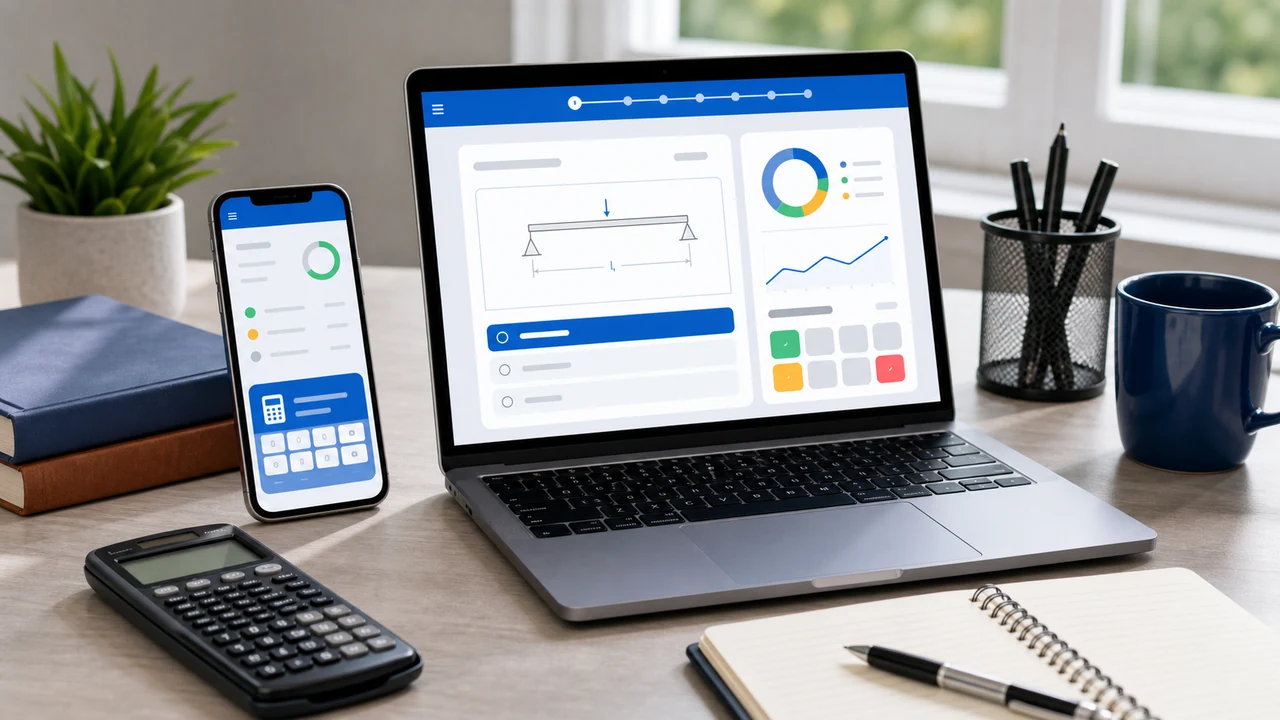
The best PE exam app is not the one with the most buttons. It is the one that makes you solve more realistic problems, review mistakes faster, and spend less time wondering what to study next. If an app only gives you formula cards or generic quizzes, it may be convenient, but it is not enough for the PE.
Budget note: NCEES lists the PE exam fee at $400, and some licensing boards may require a separate application fee. Treat prep tools as a retake-risk decision, not just another subscription comparison.
What a useful PE exam app should do
- Timed practice: pacing is a real PE skill. You need short drills, longer exam-style blocks, and a way to see which questions ate the clock.
- Topic and timing analytics: after a session, the app should tell you which topics are leaking points and which misses were slow or rushed.
- Calculator walkthroughs: the PE is still a calculator-heavy exam. Keystrokes matter.
- Diagrams and tables: civil, power, WRE, and structural problems often require visual interpretation.
- Reference-material habits: the app should push you toward the same handbook/standards lookup mindset you need on exam day.
- Mobile-friendly review: you should be able to review missed problems from a phone without fighting the layout.
What to avoid
A PE app can look polished and still fail the actual study loop. Be careful with tools that have only conceptual questions, no explanations for wrong answers, no discipline-specific filtering, no timed mode, or no way to review by topic. Those can still help a little, but they should not be your main practice system.
How FE Test Prep fits
FE Test Prep is browser-based, so it works on a phone, tablet, laptop, or desktop without requiring an app-store install. The PE banks currently include PE Civil Transportation, PE Civil Structural, PE Civil Water Resources and Environmental, PE Electrical Power, PE Electrical and Computer: Computer Engineering, and PE Electrical and Computer: Electronics, Controls, and Communications.
| Feature | Why it matters |
|---|---|
| Timed sessions | Build pacing before the real CBT exam. |
| Topic and subtopic filters | Drill weak areas instead of rereading everything. |
| Calculator steps | See the button sequence, not just the algebra. |
| Diagrams and alternate formats | Practice more than plain multiple choice. |
| Timing review and analytics | Turn missed, slow, and rushed questions into a next-session plan. |
| Free practice mode | Try the workflow before buying. |
The best mobile workflow
- Use your phone for short review sessions: missed questions, explanations, and topic triage.
- Use a laptop or tablet for calculation-heavy sessions with reference material open.
- Use timed blocks at least once a week so you feel the pace.
- After each session, pick the next topic from analytics instead of mood.
Start with free FE/PE practice questions. If the workflow fits, open the full practice app for discipline-specific PE banks, calculator walkthroughs, timing review, diagrams, alternate formats, and analytics.
Related PE resources
PE Reference Materials • Practice Exam Books • How to Pass PE Structural • How to Pass PE WRE • How to Pass PE Power
PE app checklist for real exam prep
A PE app should reduce the time between a missed problem and the next useful practice set. Before you pay for one, check whether the app explains the reference lookup, gives you search terms to try, shows the unit conversion, and teaches the wrong answer path. A short answer explanation is not enough for PE Civil, PE Power, or PE Computer questions where the real work often sits in a table row, code article, graph, or reference formula.
Use a small test before committing. Open a hydraulics, structural, power, or computer-engineering question and ask three things: does the stem include the needed lookup data, does the solution show the calculation in exam units, and can you repeat the problem later without hunting through a notebook? If the answer is no, the app may help with volume but not with repair.
The strongest workflow is diagnostic first, then topic blocks, then timed mixed sets. For PE candidates, that means you should be able to practice reference-doc habits alongside math. For example, a WRE pump question should train head, flow, and efficiency together; a Power protection question should train the coordination curve or NEC lookup row instead of only the final number. A better app should also let you drill those lookup habits with discipline-specific search cues instead of sending every PE user to the same generic reference advice.
Red flags when comparing PE apps
Be cautious with any app that hides the solution until after you pay, gives only final-answer explanations, or treats PE questions like short FE drills. PE practice should show the reasoning path. For code-heavy and reference-heavy disciplines, it should also show the value used from the provided table, chart, or summary row.
Another red flag is weak review history. You should be able to return to missed questions, filter by topic, and see whether mistakes repeat. Without that loop, the app becomes a question pile instead of a study system.
For book and app study, look for the same quality signals
The same standards apply whether you study in an app, a PDF, or a printed PE practice book. Diagrams should be readable in grayscale, tables should include the lookup value needed for the answer, and explanations should show unit conversions instead of skipping from formula to final result. If a resource works only when the answer choices are visible, it is not training the full exam workflow.
When you compare PE resources, open a few chart-based or table-based examples. The best ones make the engineering decision traceable: what value was selected, why that value applies, how it enters the calculation, and which common mistake each distractor represents. That trace is what helps a missed practice item become a repeatable exam habit.
Try the PE Practice Workflow
Start with free questions, then open your PE discipline for timed sessions, timing review, calculator walkthroughs, reference lookup drills, diagrams, and topic analytics.