An engineering home lab does not have to look like a server room. For most engineers, the useful version is a small, reliable setup for personal scripts, dashboards, sensor projects, local AI experiments, backups, and practice tools. It should make you more capable without becoming a second job.
Affiliate disclosure: Some hardware links are Amazon affiliate links. We may earn from qualifying purchases.
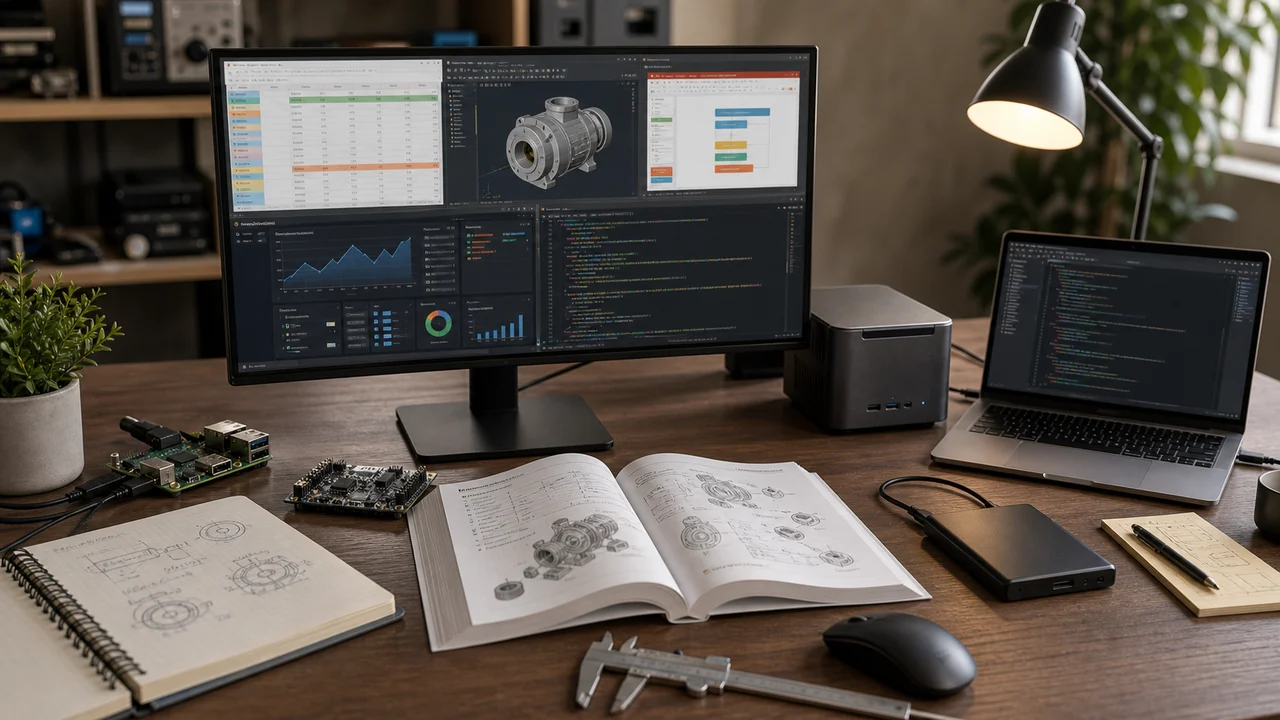
The three useful tiers
| Tier | Best for | What to buy first |
|---|---|---|
| Desktop workspace | Coding, PDFs, spreadsheets, FE/PE practice, CAD review | Keyboard, mouse, monitor, portable SSD |
| Small always-on box | Dashboards, tiny APIs, sensor logging, home services | Raspberry Pi 5 kit or a mini PC |
| Storage and backup | Project archives, local model files, family files, lab data | NAS or external SSD plus a backup habit |
Starter setup for most engineers
Start boring. A stable desktop and a backup plan beat a pile of half-finished gadgets.
- External SSD: the Samsung T7 2TB is a good project-drive option; the Samsung T9 2TB is the faster step-up.
- Keyboard and mouse: Logitech MX Keys S and Logitech MX Master 3S are comfortable for long spreadsheet, code, and PDF sessions.
- Small project computer: the Raspberry Pi 5 8GB is ideal for learning Linux and running lightweight services. A Pi 5 kit can be simpler if you need the power supply, case, cooler, and storage together.
- Home storage: the Synology DS224+ is more than most beginners need, but useful once backups and shared storage matter.
Raspberry Pi projects that map to engineering thinking
The Raspberry Pi is useful because it makes abstract engineering ideas physical: logging, sampling, controls, uncertainty, power, heat, uptime, and failure modes.
- Study dashboard: track practice sessions, missed topics, and calculator functions.
- Sensor logger: log temperature, humidity, flow switch state, or simple voltage readings for a personal project.
- Reference kiosk: host a local page with your formulas, unit conversions, and personal notes.
- Small automation API: expose one tiny endpoint that does a unit conversion or calculation you use often.
For microcontroller work, the Official Arduino Starter Kit, ELEGOO UNO R3 starter kit, and ESP32 development boards are good entry points.
What not to put in a home lab
Do not use your personal setup as a shadow work system. Keep employer files, client data, proprietary calculations, and unreleased drawings in company-approved systems. A home lab is for learning, personal tools, open data, and examples you are allowed to share.
How this helps exam prep
The home-lab mindset is the same mindset that helps on the FE and PE: build a process, test it, record what failed, and repeat. A personal study dashboard or calculator-function tracker can be useful, but only if it pushes you back into solving problems.
Try the study loop with free FE/PE practice questions, or use the full practice app for timed sessions, analytics, diagrams, and calculator walkthroughs.
Related guides
AI Tools for Engineers • Best Computers for Engineers • Best Desk Setup • Best Monitors
Home lab projects that teach exam thinking
A useful home lab project has a measurable input, a measurable output, and a written check of whether the result makes sense. A Raspberry Pi temperature logger can teach sensors, sampling interval, units, calibration, and noisy data. A small NAS can teach backups, network addresses, storage limits, and failure planning. A mini PC can teach virtualization, operating systems, and resource allocation.
For exam prep, the value comes from writing the engineering notes after the project. Record the assumption, the equation, the unit conversion, and the final reasonableness check. That same structure appears in FE and PE solutions. If a sensor reads 10 times too high, ask whether the unit prefix, scale factor, or calibration curve caused the error. If a network share fails, ask which layer of the system changed.
Do not buy hardware before you know the question you want the lab to answer. A cheap multimeter, a Raspberry Pi kit, and a notebook can teach more than a rack of equipment if you force every project to produce a small calculation, graph, or troubleshooting note.
Document the lab like a small engineering project
For each project, keep a one-page record: objective, parts list, sketch or wiring diagram, data collected, calculation, result, and what you would change next. This turns the lab from a pile of hardware into evidence of how you solve problems.
That habit helps in interviews and exam prep. When you can explain why a measurement was wrong, how you checked a unit, or why a system failed, you are practicing the same diagnostic thinking used in engineering coursework and PE-style judgment questions.
Keep the home lab safe and narrow
Stay with low-voltage electronics, small sensors, software projects, and ordinary household measurements unless you have qualified supervision. Do not experiment with mains wiring, pressure vessels, chemicals, combustion, or structural loading at home. A good project does not need to be dangerous to teach engineering judgment.
Set a limit for each build: one question, one measurement, and one conclusion. For example, measure how temperature changes across a room, how network speed changes with distance from a router, or how sensor readings drift over time. Small projects are easier to finish and easier to learn from.
Practice Like an Engineer
Use timed FE and PE questions, topic analytics, calculator steps, and diagrams to turn each study session into measurable progress.