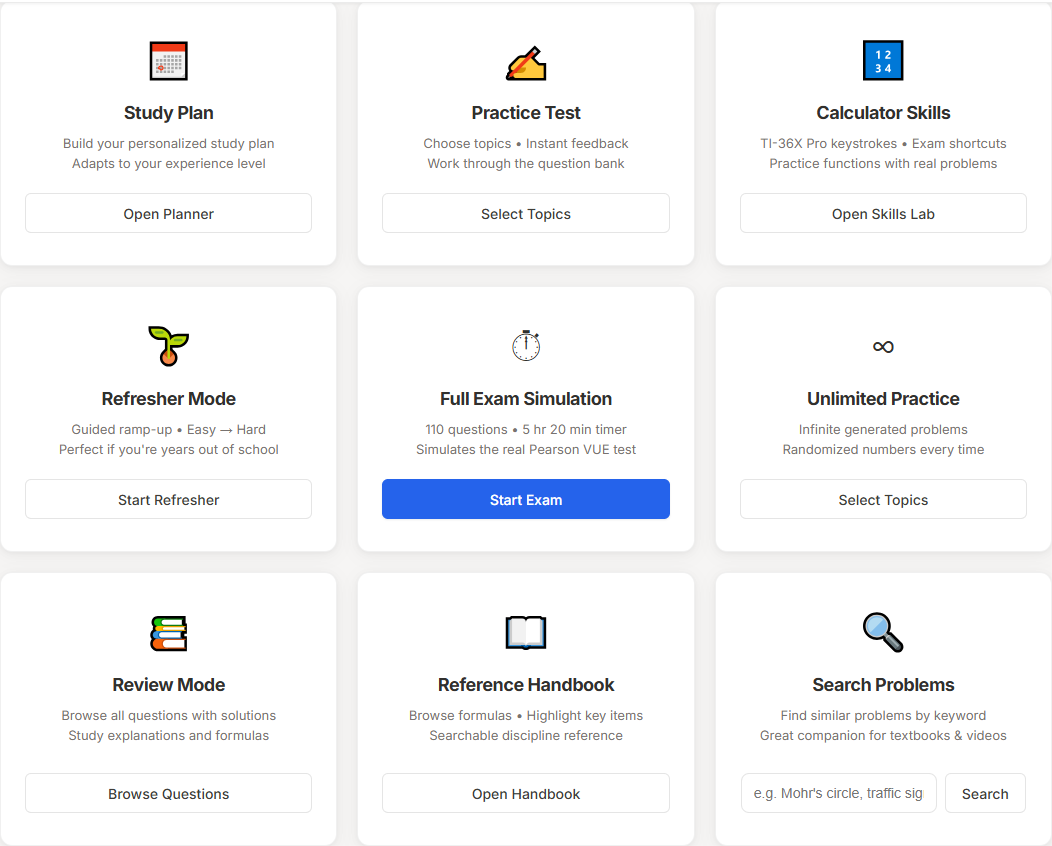
Choose a study mode
Open the planner, Drill Mode, Guided Calculator Drills, full exam simulation, review mode, Quick Formula Reference, or discipline guide.
FE & PE exam prep app
Practice questions, timed exams, Drill Mode topic reps, TI-36X Pro calculator drills, handbook/reference lookup guidance, and step-by-step walkthroughs in one focused study app.
Every topic on the official exam spec, with practice questions ready to go.
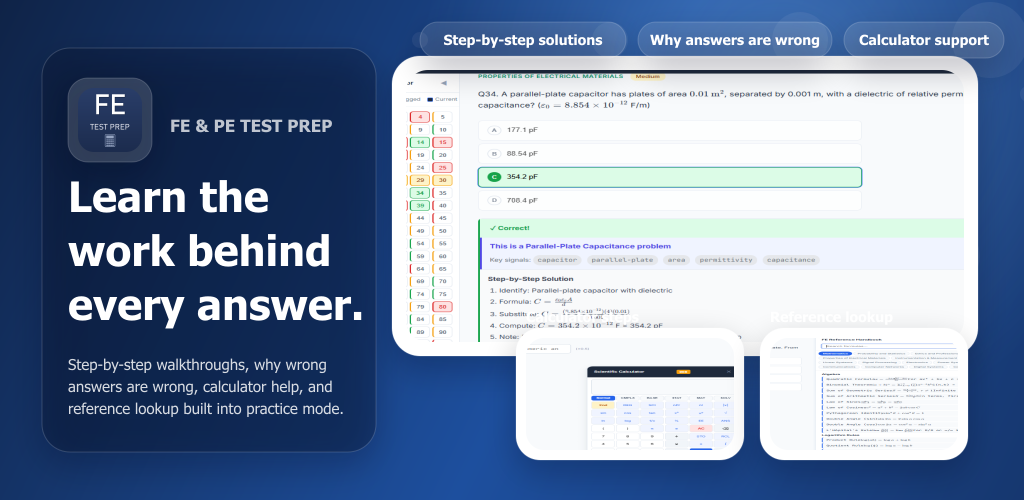
Product preview
Swipe through actual app screens: study modes, demo questions, feedback, Drill Mode, calculator drills, handbook/reference guidance, and the TI-36X Pro function guide.
Screenshots show the current app and demo experience. Exact views may vary by selected discipline, screen size, license state, and future product updates.
Open the planner, Drill Mode, Guided Calculator Drills, full exam simulation, review mode, Quick Formula Reference, or discipline guide.
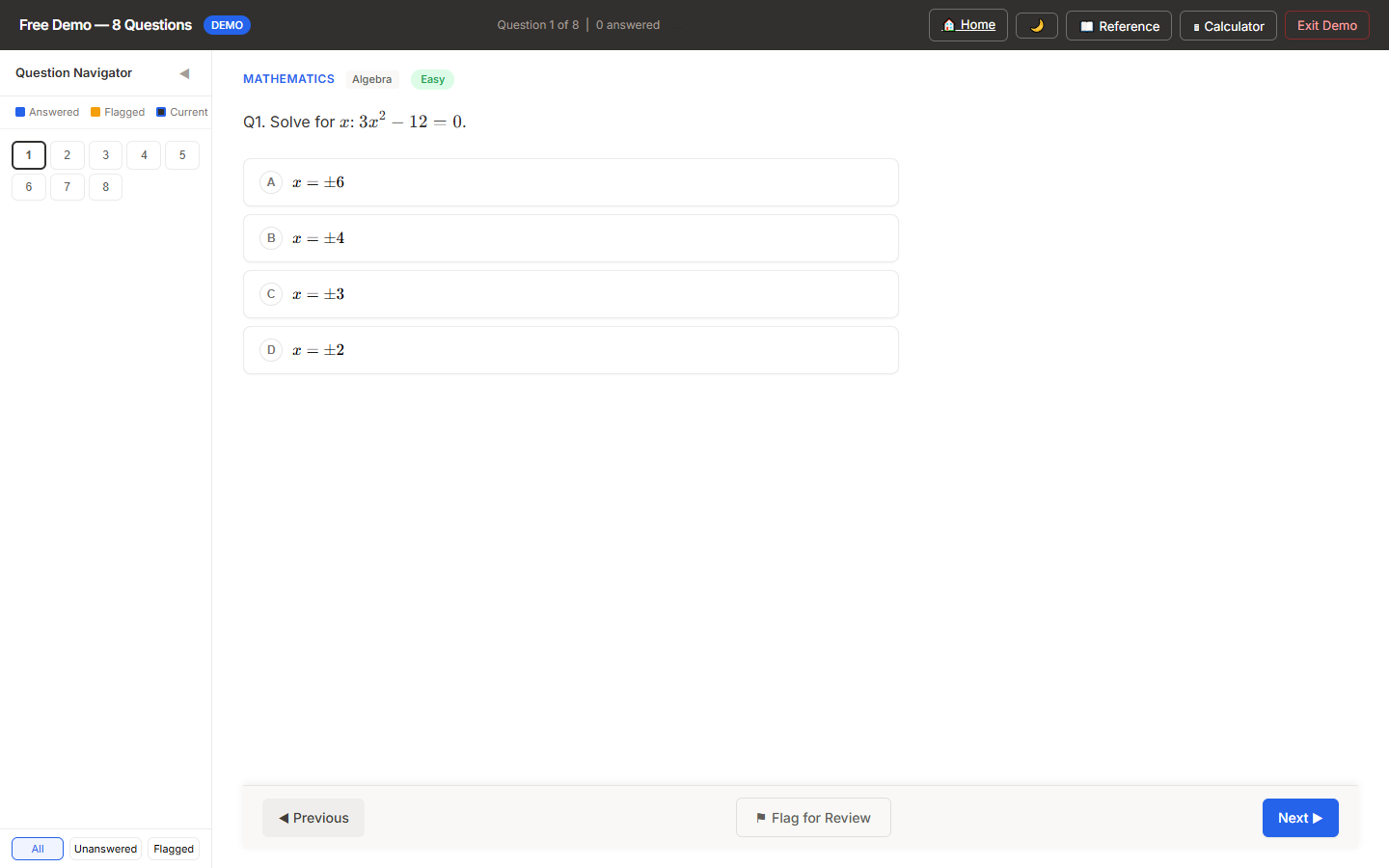
See the same exam-style interface used for practice sessions and timed work.
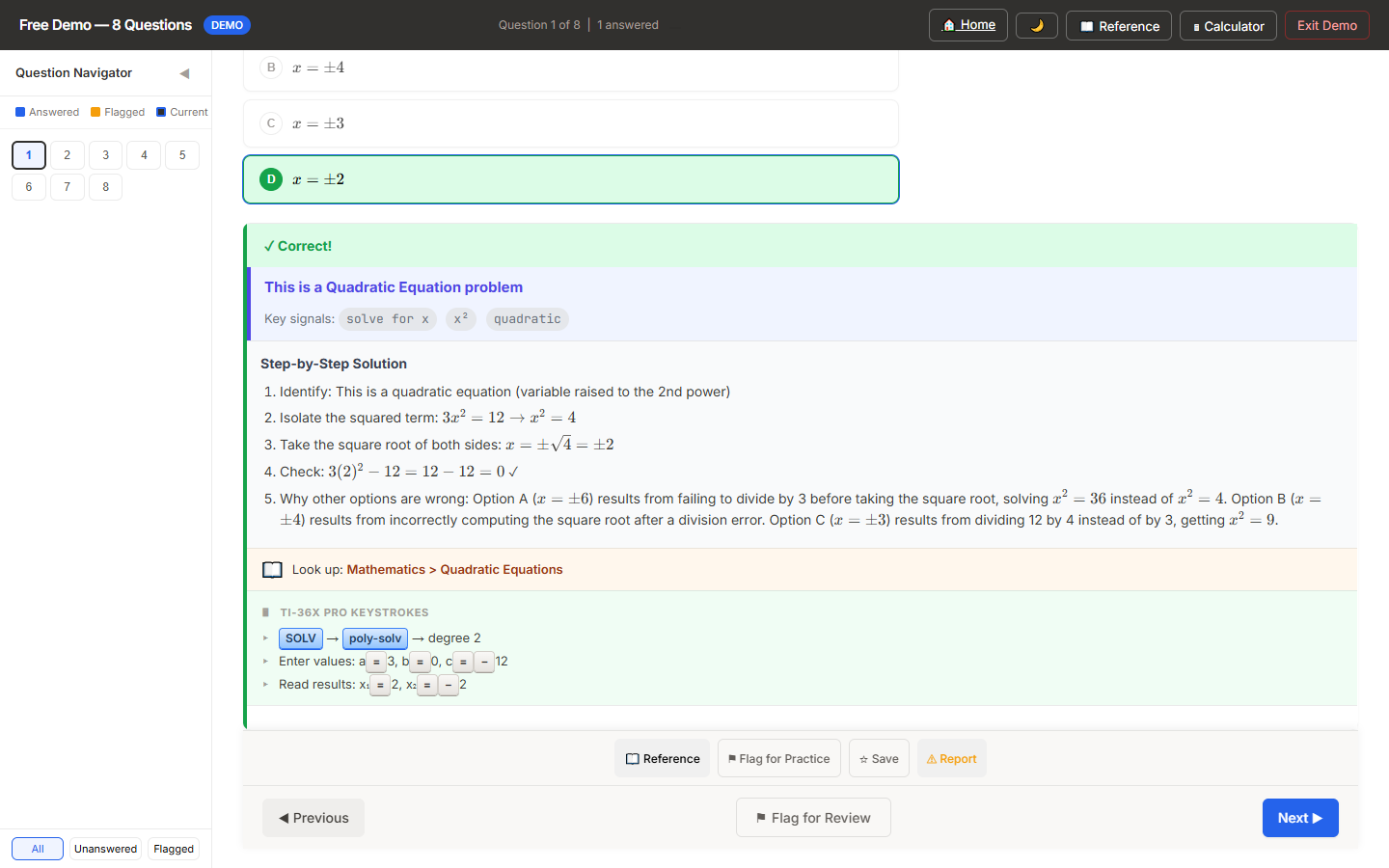
Solutions show the solve path, calculator entry, mistakes behind the wrong answers, and reference lookup cues where available.
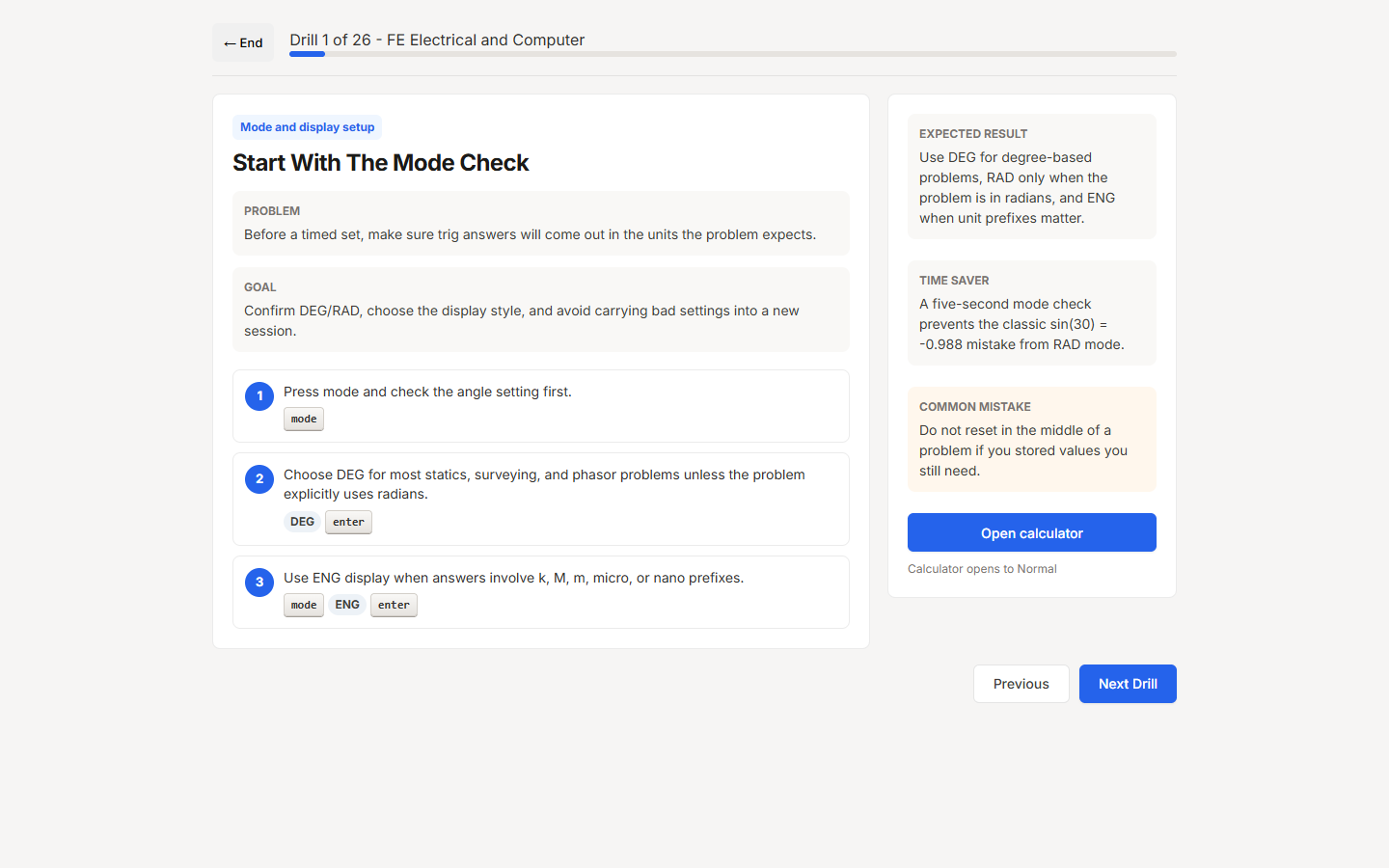
Walk through TI-36X Pro keystrokes inside Guided Calculator Drills, then use the function guide when you need a quick refresher.
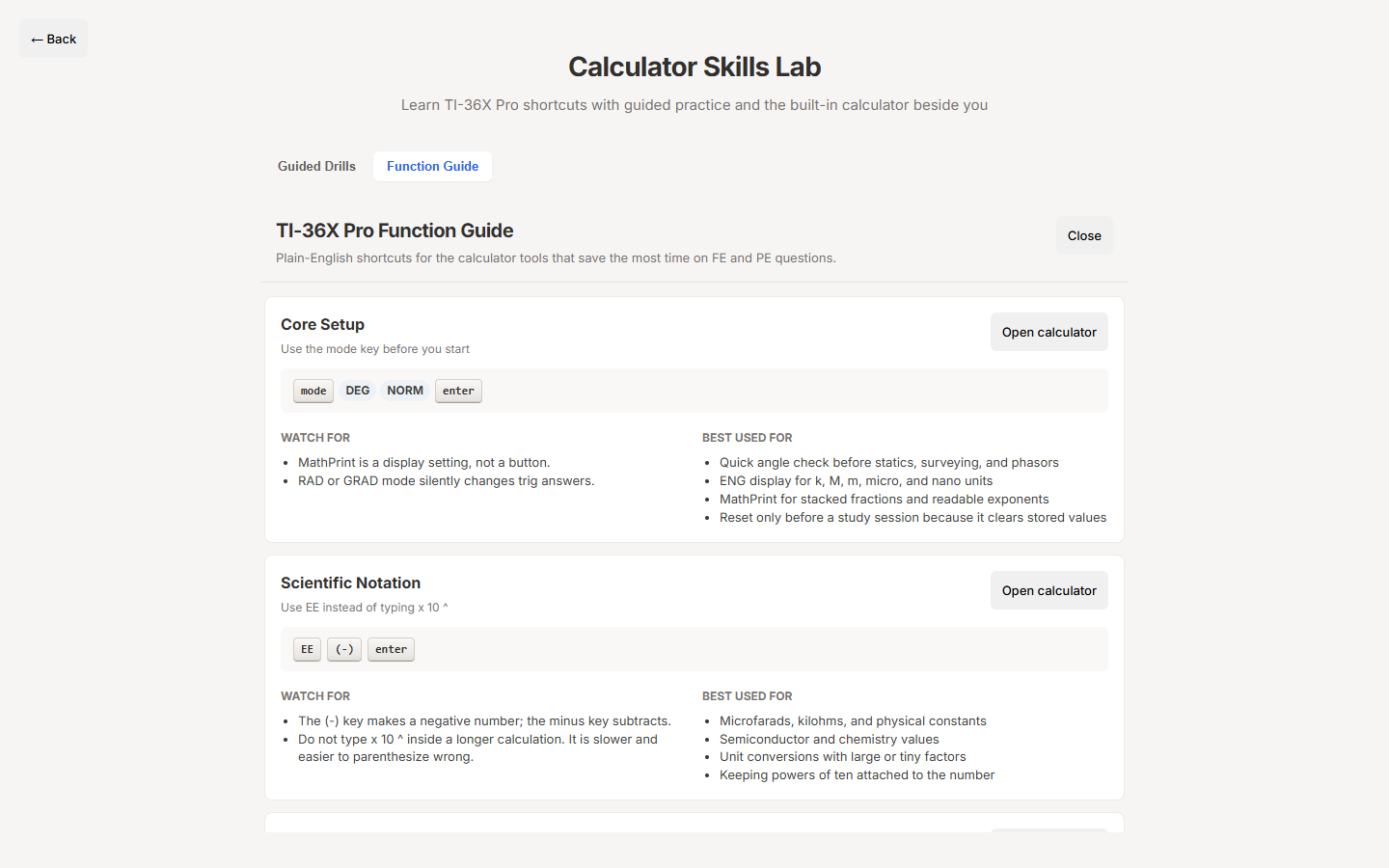
Review calculator modes, watch-outs, and common exam use cases in plain English.
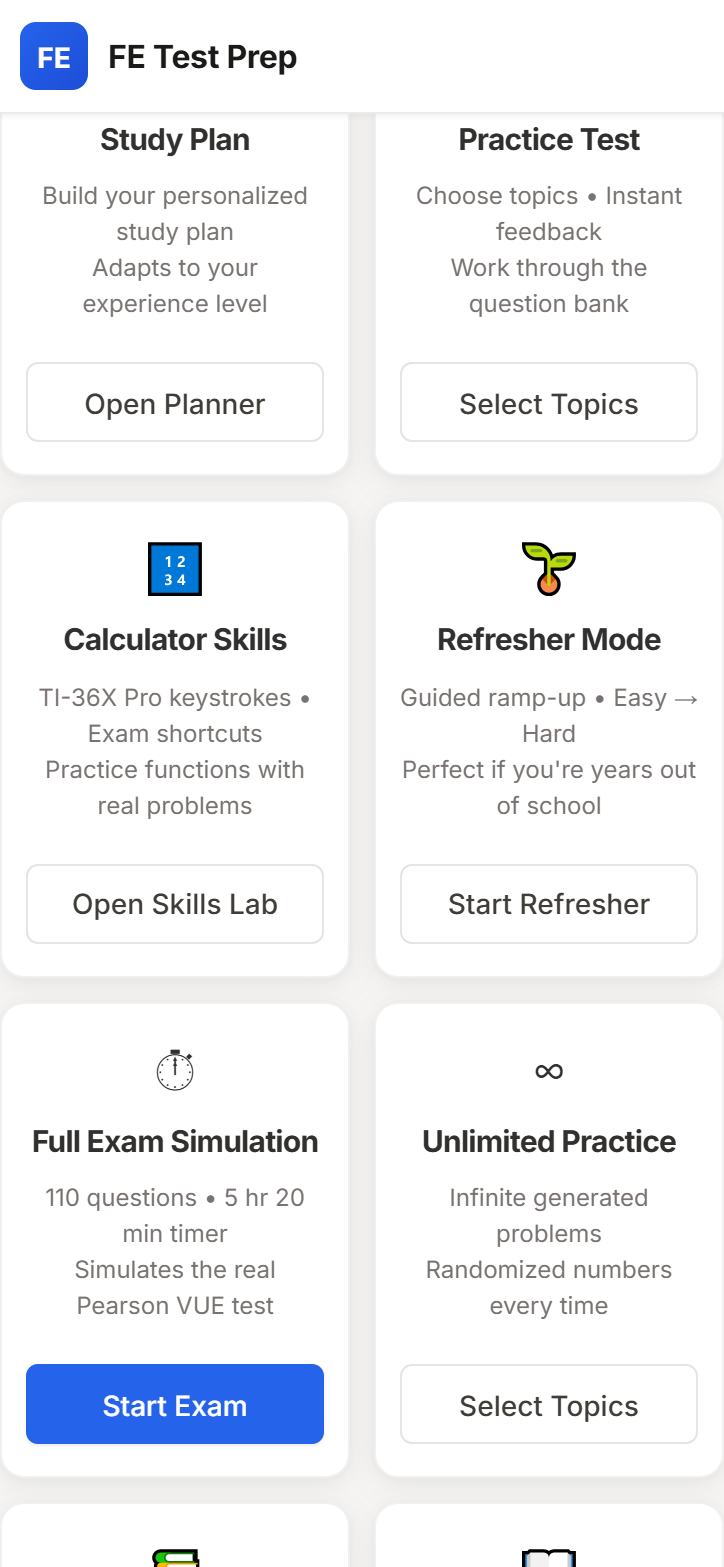
Start with a plan, Drill Mode, guided calculator drills, full exams, or the handbook.
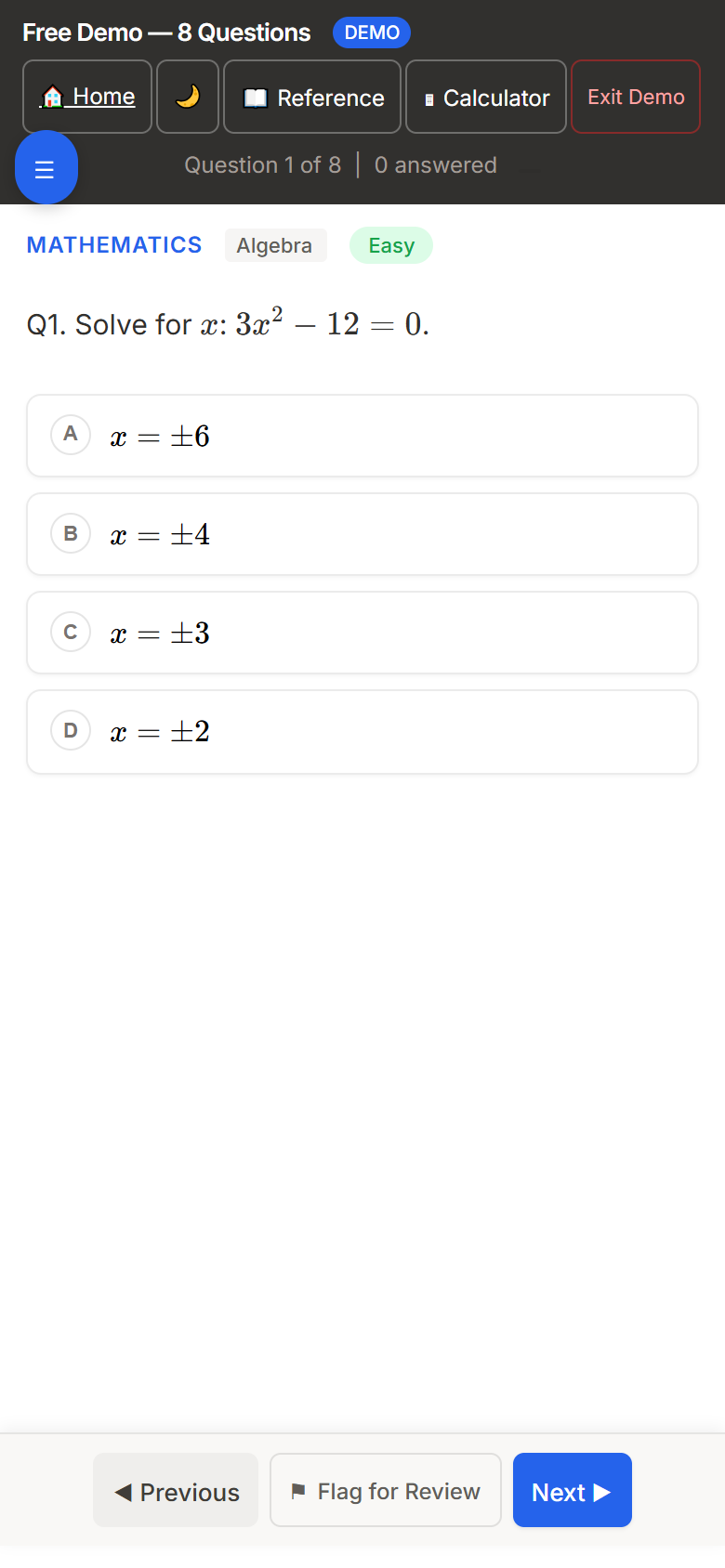
The demo question flow uses the same mobile practice layout.
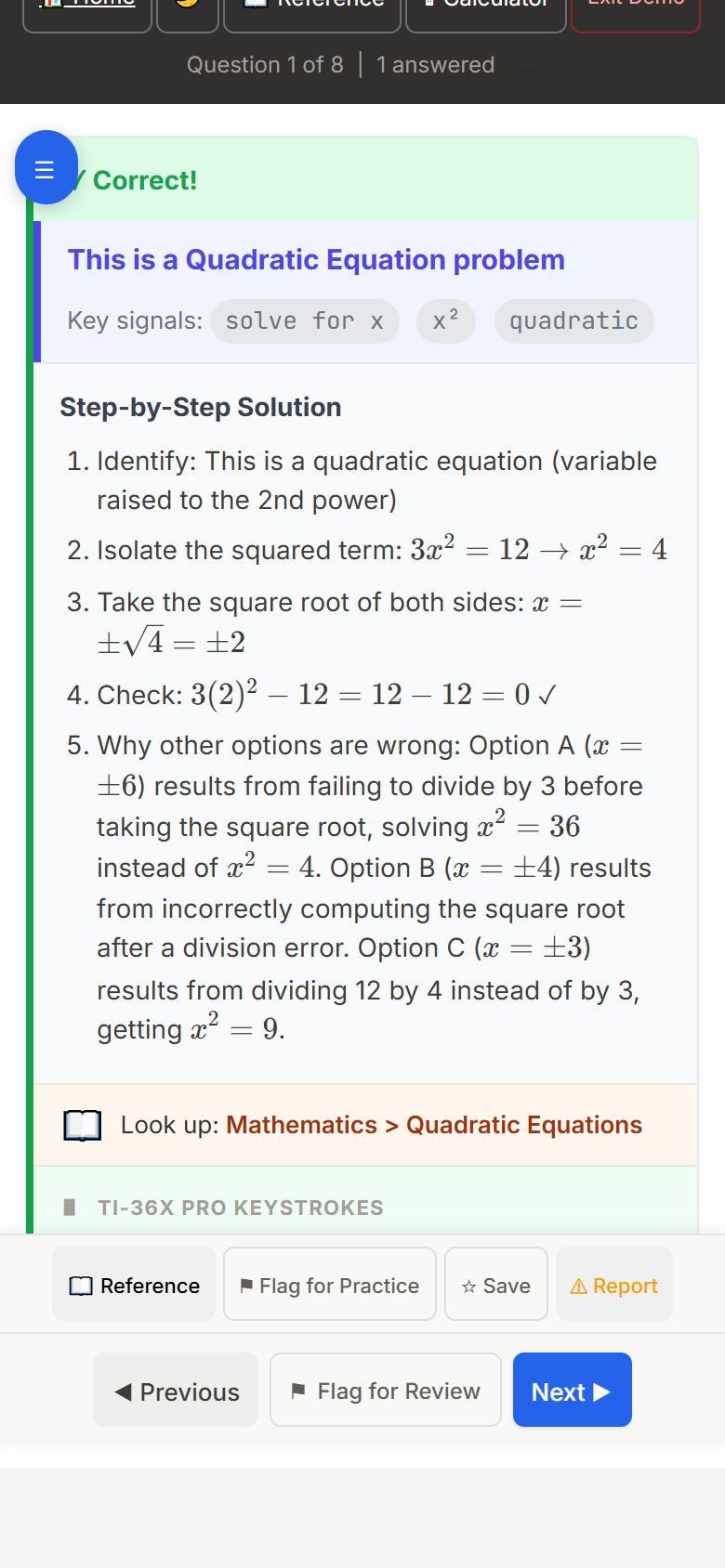
Feedback stays available on small screens with steps, references, and calculator guidance.
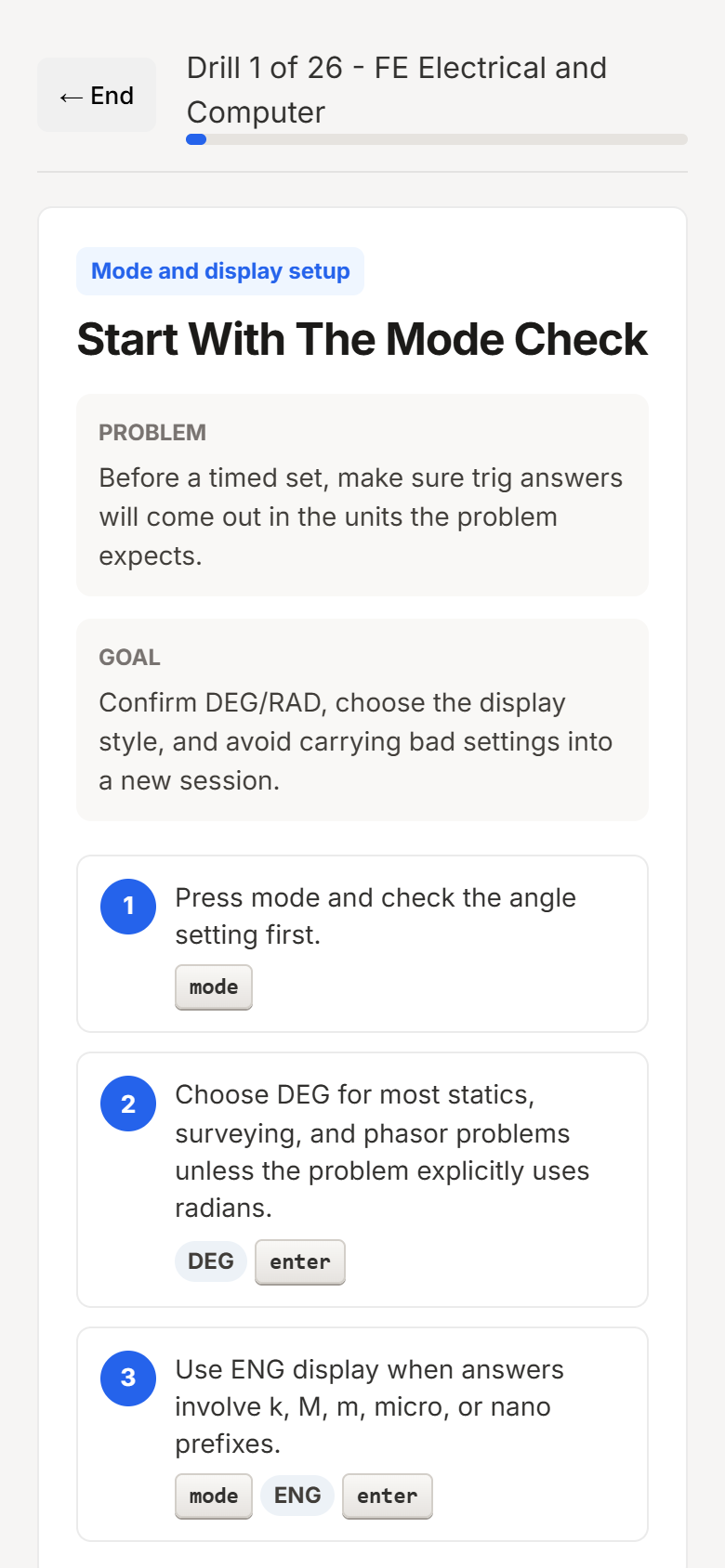
Follow focused keystroke walkthroughs for the functions that cost time on exam day.
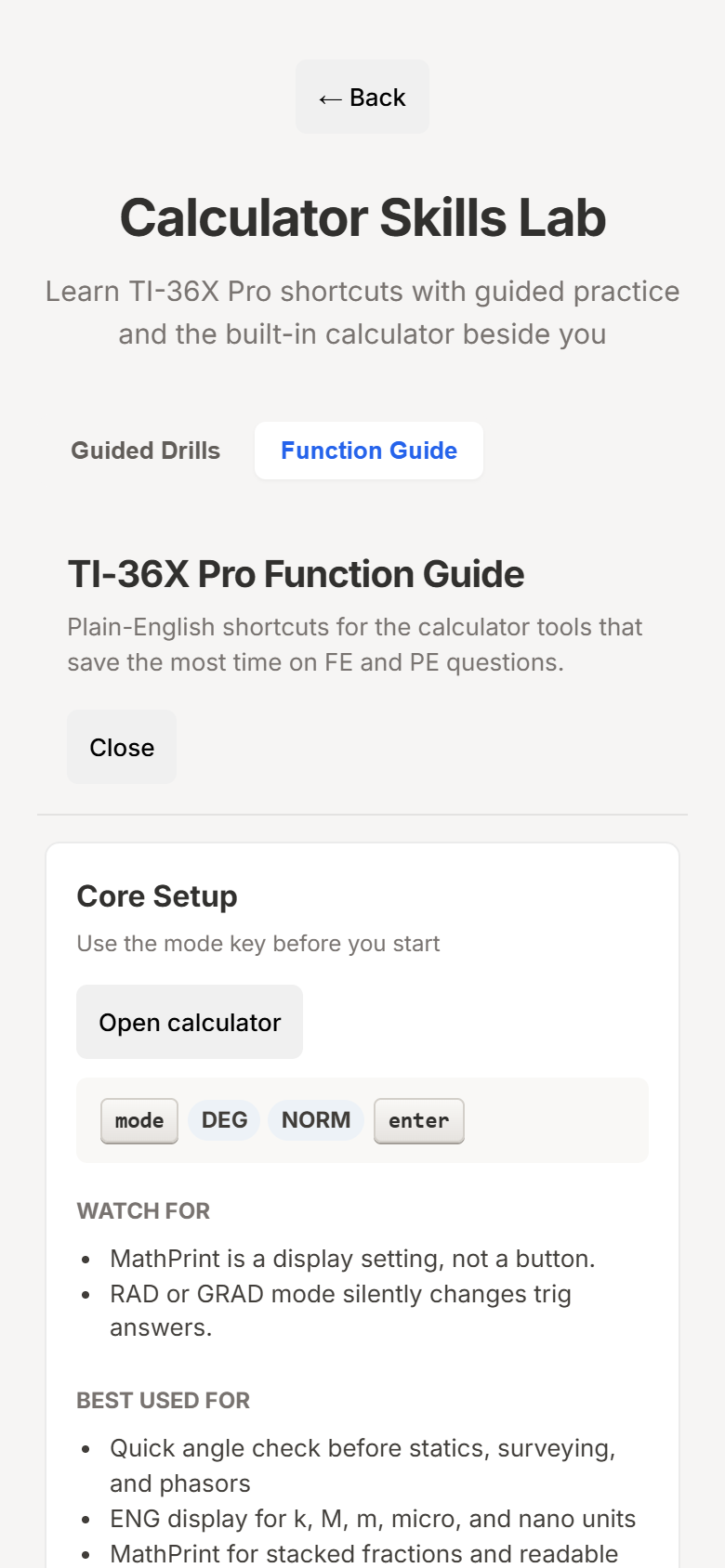
Use the TI-36X Pro guide as a quick reference before drilling a function.
What changes when you study here
Choose a weak NCEES topic and work focused reps, including generated calculation variants where the template bank supports them.
Learn the TI-36X Pro with guided function drills, gotcha checks, and keystroke-level walkthroughs tied to exam-style problems.
FE feedback can point to verified FE Handbook 10.6 page hints, while PE practice uses reference/code section lanes instead of over-promising exact page numbers.
Every answer is built to explain the method, the formula choice, the calculator path, and the distractor trap.
Analytics show topic strength, practice history, and readiness signals so your next session has a clear job.
Your study progress is saved to this email.
*Pricing, features, and access model are subject to change. See disclosure for details.
Everything you need to go from “I should probably start studying” to “I passed.”
Pick your discipline and answer a few questions about your background. The adaptive study planner builds a personalized week-by-week plan — with specific tasks, not just topic lists. Whether you graduated last year or fifteen years ago, it meets you where you are.
Full exam simulations, topic-based practice, Drill Mode reps, guided calculator drills, reference lookup cues, and step-by-step TI-36X Pro keystroke walkthroughs. Multiple-choice plus supported alternate formats include detailed walkthroughs showing exactly how to solve each problem.
Your readiness score updates as you study — covering topic coverage, accuracy, exam simulations, and consistency. Don’t have an exam date? The planner suggests when to schedule based on your progress. Built-in Quick Formula Reference, discipline guide, and scientific calculator are always close by.
Works on your phone, laptop, or tablet — even without internet. Dark mode, keyboard shortcuts, and cloud sync across devices. Once loaded, the entire app works offline.
Add to your home screen or desktop for the best experience:
We don’t offer video lectures, 1-on-1 tutoring, or live classes — and that’s the point. FE Test Prep is for engineers who learn by doing: solving problems, reviewing solutions, and tracking progress until the exam feels easy.